How to build a school timetable without clashes
A timetable fails on the first day of term when a teacher, a class or a room is booked twice. Here is the order to follow to avoid it.
GIVEITAWAY Published 1 min read
A timetable has three kinds of resources that can never be in two places at once: teachers, classes (or student groups) and rooms. Every clash comes from one of them.
1. Start with the constraints
List the time slots, the rooms with their capacity and equipment, and each teacher's availability. Part-time teachers who work in several schools are the first constraint to place.
2. Place the hardest sessions first
Labs, sports, sessions that need a specific room and teachers with few available slots go first. The flexible sessions fill the remaining space.
3. Refuse clashes when they are created
The most reliable approach is software that refuses any slot where a teacher, a class or a room would be booked twice, at the moment you place it, instead of a check at the end.
4. Handle changes during the year
Replacements, room changes and catch-up sessions are checked with the same rules. Teachers and students should be told automatically so nobody walks into the wrong room.
5. Connect the timetable to attendance
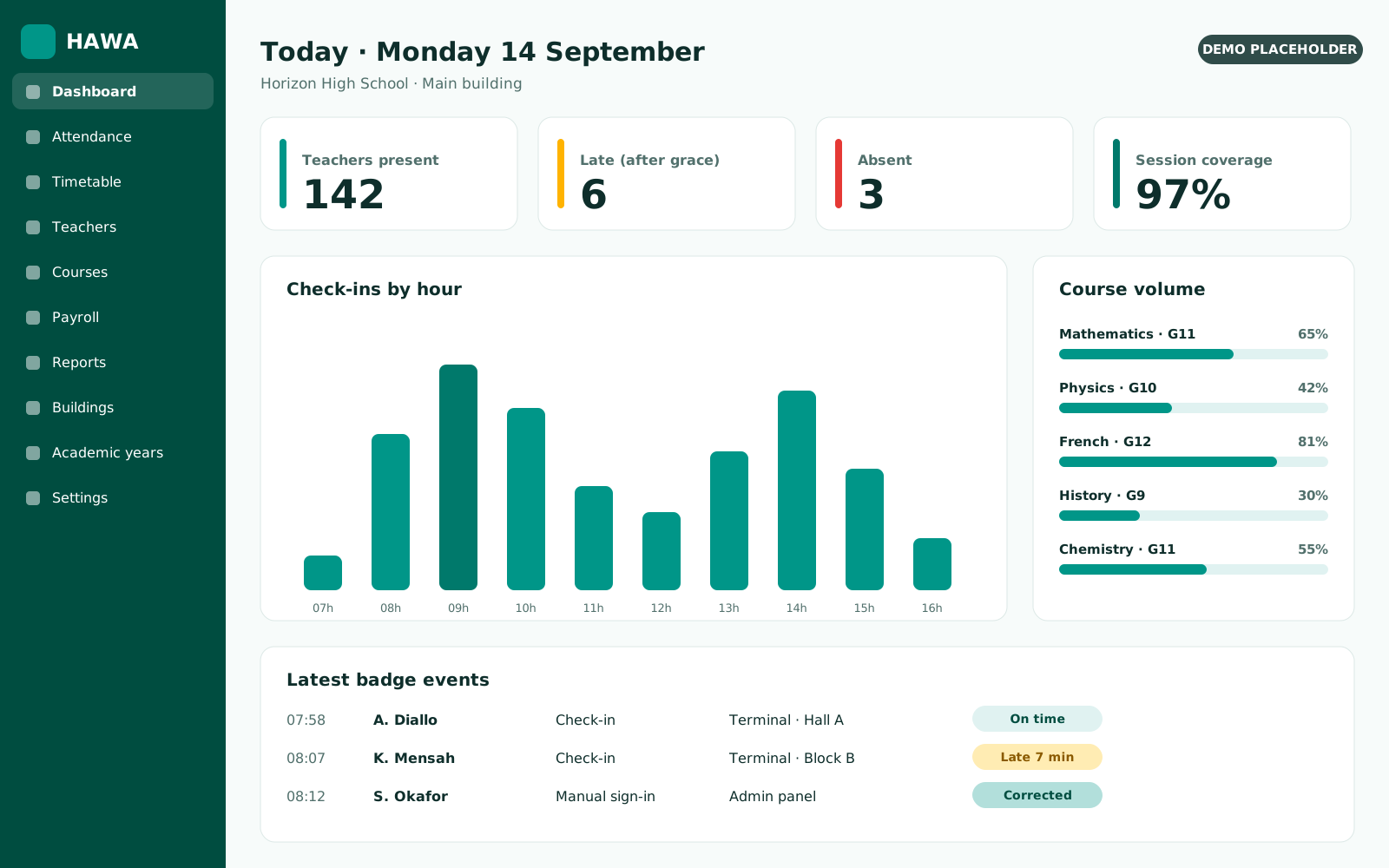
When the timetable is linked to badges, you know not only what was planned, but what was actually taught, and each course volume stays up to date.