Every HAWA feature, module by module
From the biometric badge on the wall to the payslip in the teacher’s hand, here is everything the admin panel and the terminal app do.
Biometric attendance
Teachers badge in and out on wall-mounted Android terminals. HAWA matches every badge to the class that was scheduled.
4 features
-
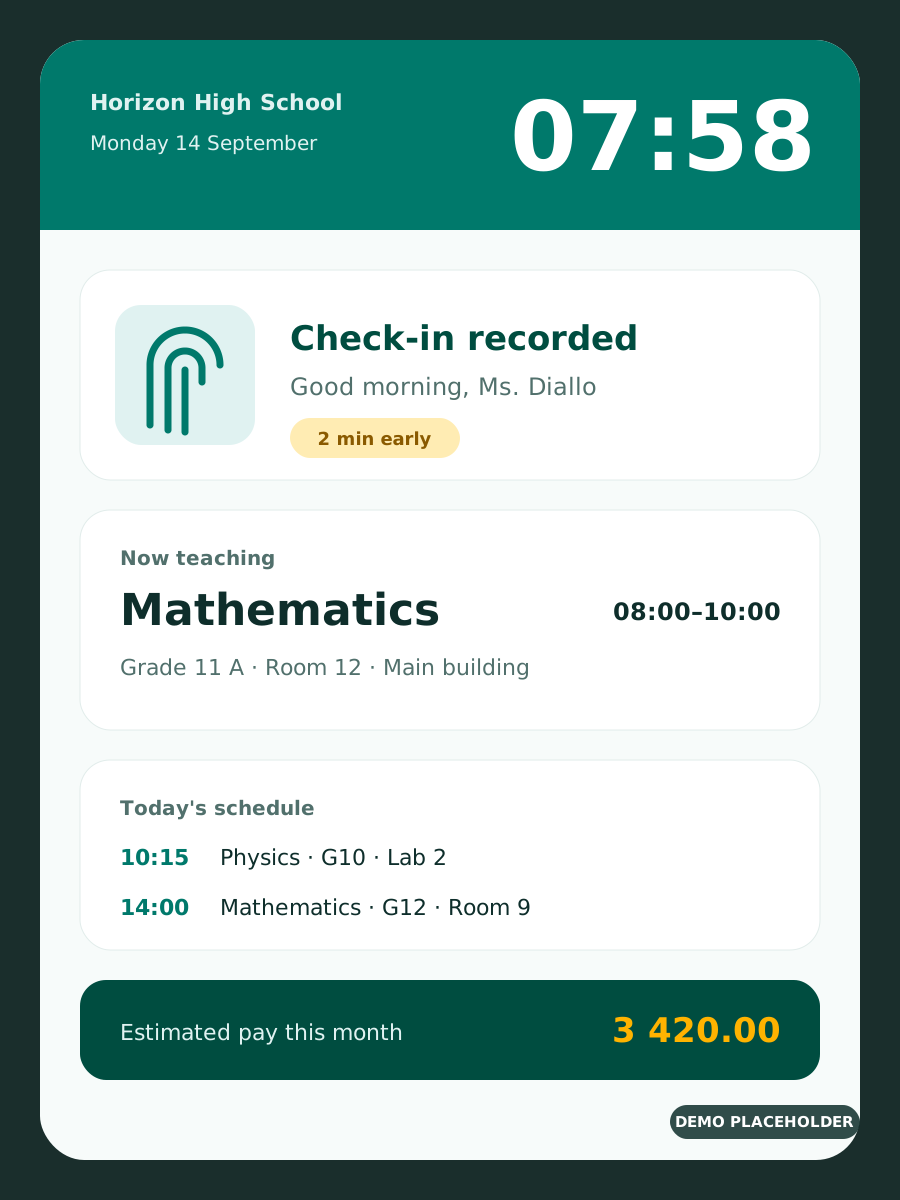
Check-in and check-out by fingerprint
Every arrival and departure is recorded on the terminal and matched to the teacher’s scheduled class, room and time slot.
- Wall-mounted Android terminals
- Arrival and departure compared with the timetable
- Early, on-time and late badges clearly flagged
-
Grace periods you control
Set how many minutes of lateness are tolerated so a short delay is not counted against a teacher.
- Tolerance before and after each class
- Applied automatically to coverage and pay
- Change it at any time from the admin panel
-
Manual sign-in when a terminal is down
If a terminal has an issue, an administrator records the sign-in and sign-out from the admin panel so the day is never lost.
- Sign-in and sign-out entered by authorized admins
- Each manual entry is traceable
- Coverage and pay recalculated instantly
-
Self-service on the wall terminal
After badging, teachers see the hours they’ve worked, their upcoming classes and what their next pay will look like.
- Hours worked this period
- Next classes with room and time
- Estimated next pay
Authentication options
Teachers badge with a fingerprint, an NFC card or their face. Choose the method per school and terminal, or combine two for more security.
4 features
-
Fingerprint
The surest way to stop badging for a colleague: a fingerprint can’t be lent or shared.
- FBI and ISO certified sensors on most terminals
- Up to 20,000 fingerprints per terminal, depending on the model
- No card to lose or forget
-
NFC / RFID card
A quick tap of a badge, for staff who can’t use fingerprints or as a second check.
- 13.56 MHz Mifare/NFC and 125 kHz cards, depending on the terminal
- Cards printed with your school logo on request
- Can be combined with fingerprint or face
-
Face recognition
Contactless and fast, ideal for busy entrances in the morning.
- Live detection with infrared cameras rejects photos and videos
- Recognition at a distance, without touching the terminal
- Several people recognized at once on 8-inch terminals
-
Iris, palm and combined modes
On compatible terminals, add iris or palm vein recognition, or require two methods for sensitive roles.
- For example face + card, or fingerprint + card
- The right level of security for each building
Timetables without overlaps
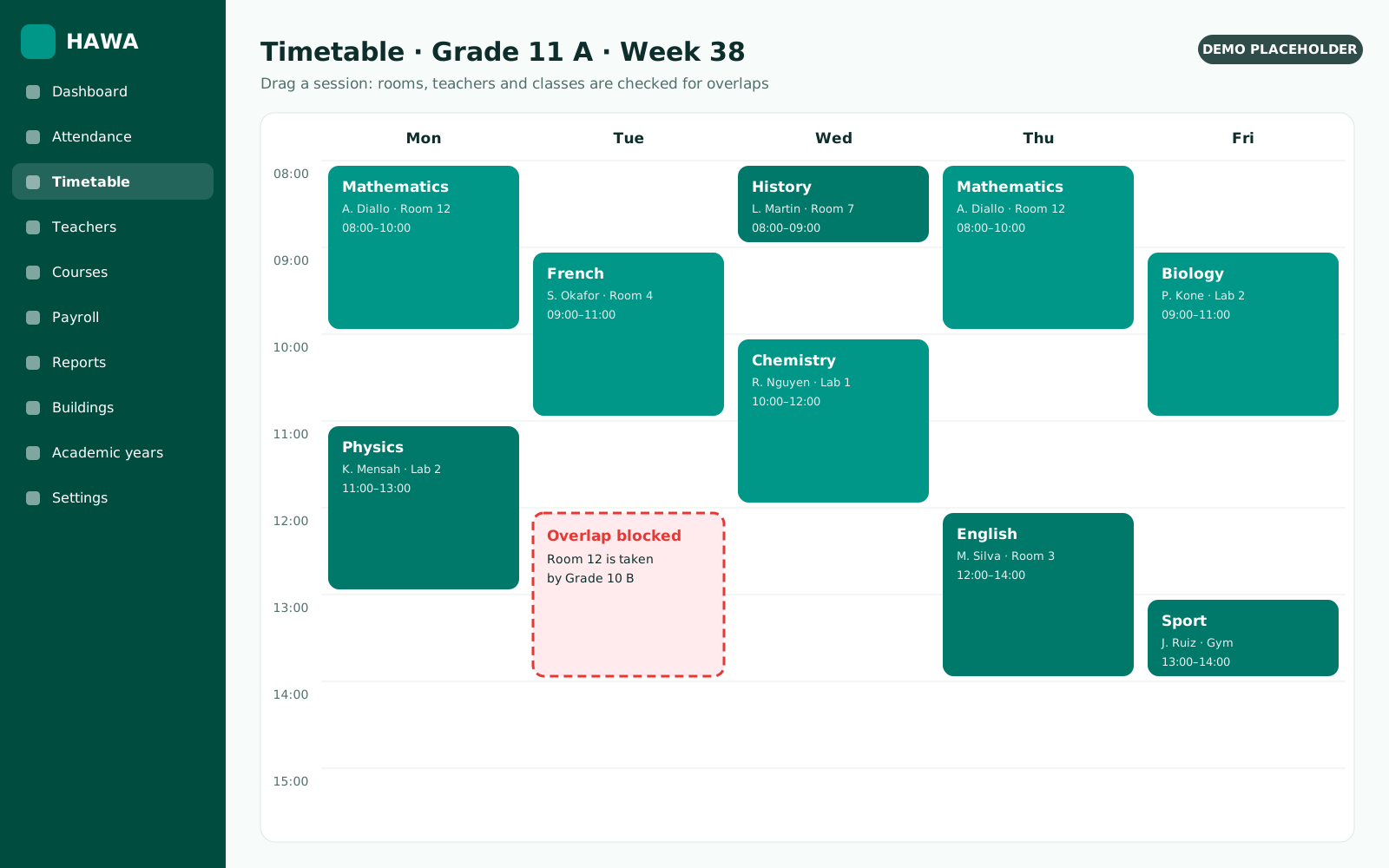
Place teachers, classes and rooms on the timetable. HAWA refuses any slot where two of them would collide.
4 features
-
Conflict-free scheduling
Assign courses to classes, teachers and classrooms. HAWA blocks any overlap between teachers, classes or rooms before it happens.
- Teacher, class and classroom checked on every slot
- Clear message explaining which slot is already taken
- Works across buildings
-
Multiple buildings and classrooms
Manage every campus, building and classroom from one place, and schedule across all of them.
-
Your school structure
Model levels, classes and groups the way your school is actually organized.
-
Academic year rollover
Move to a new academic year in a few clicks, keep your teachers and settings, and change only what’s different.
- Teachers and rates carried over
- Past years stay available for reports
- Minimal changes, no re-entry
Course coverage and fraud control
Know exactly how much of each session and each course was really taught, and spot missing hours before they are paid.
4 features
-
Session coverage in percent
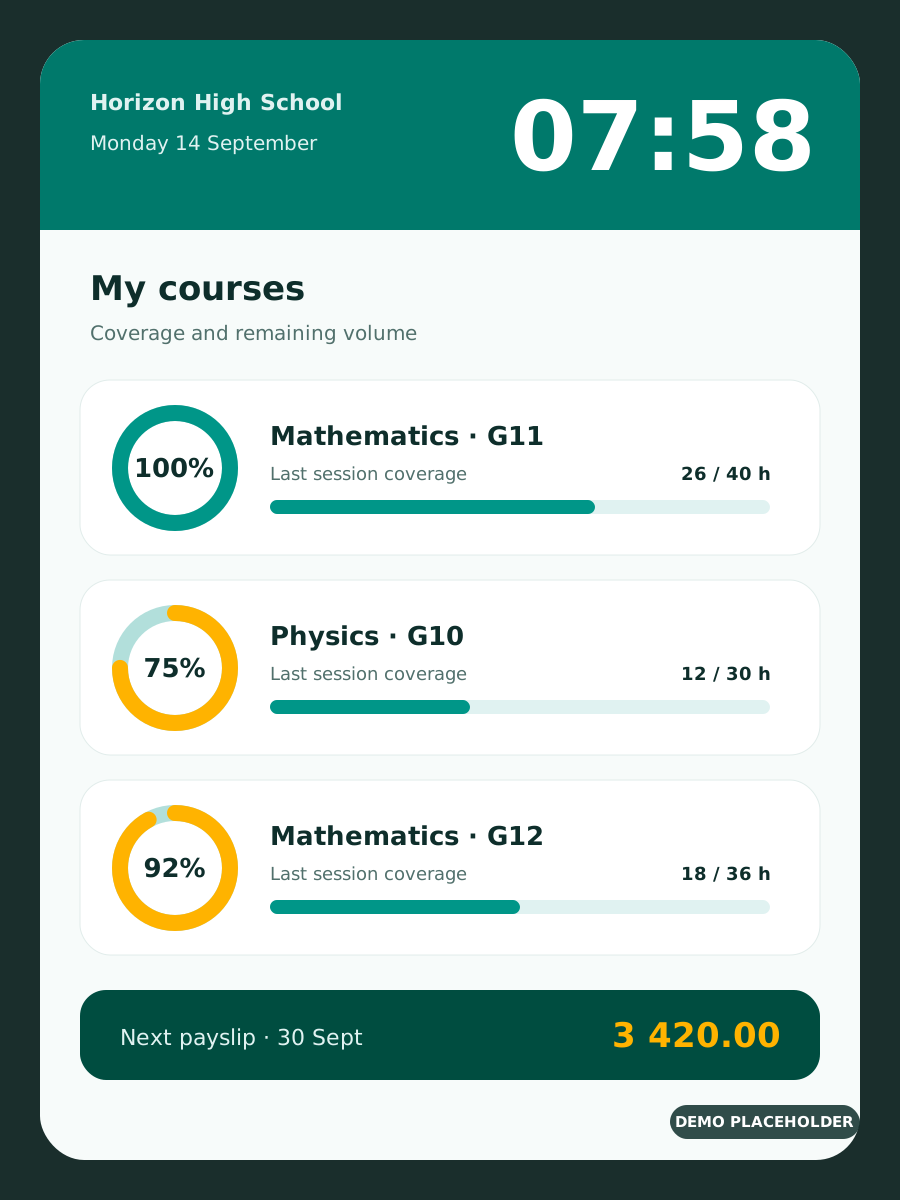
For a 4-hour session, arriving and leaving on time gives 100%. Otherwise HAWA shows the exact share of the session covered.
- Calculated from real badge times
- Grace periods taken into account
- Visible to teachers on the terminal
-
Course volume tracking
For a 40-hour course, every session taught is deducted from the total so you always know what’s delivered and what’s left.
- Hours delivered and remaining per course
- Alerts for courses falling behind
- Per class and per teacher
-
Fraud prevention
Hours are only counted when badges match the timetable, so skipped or shortened classes can’t go unnoticed.
-
Reversible actions
Fraudulent or accidental entries can be reversed, with a history of what changed and who changed it.
Teacher payroll
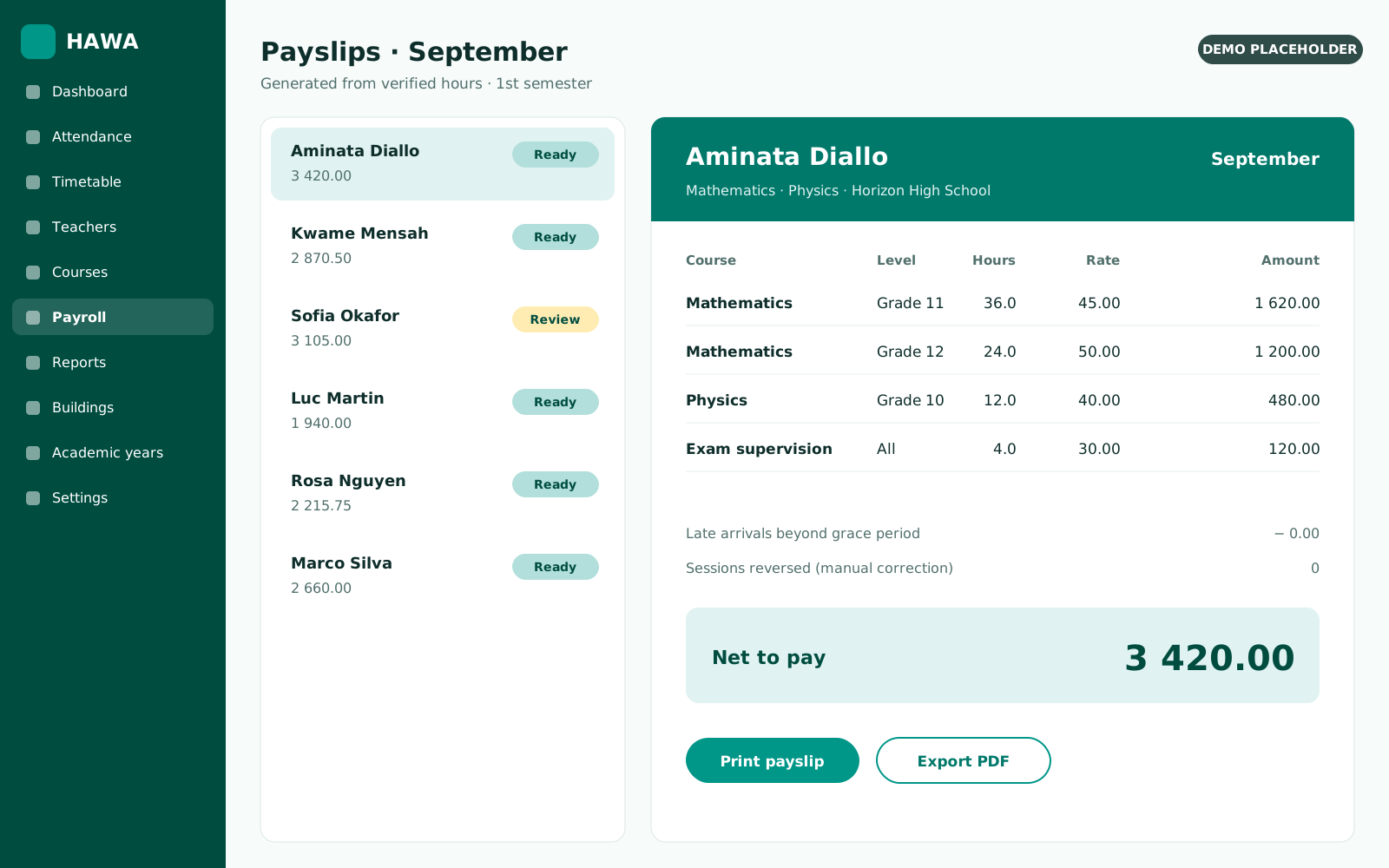
Payslips are generated from hours actually taught multiplied by the right rate for the course, level and semester.
2 features
-
Automatic payslips
HAWA multiplies the hours actually taught by the teacher’s rate and generates ready-to-print payslips.
- Hours × rate, per course
- Printable payslips
- Based only on validated hours
-
Rates per course, level and semester
Set hourly rates per course, per semester and per class level, and let HAWA apply the right one every time.
Staff and student attendance
Beyond teachers, HAWA tracks non-teaching staff and student attendance class by class, on the same terminals and in the same reports.
3 features
-
Non-teaching staff attendance
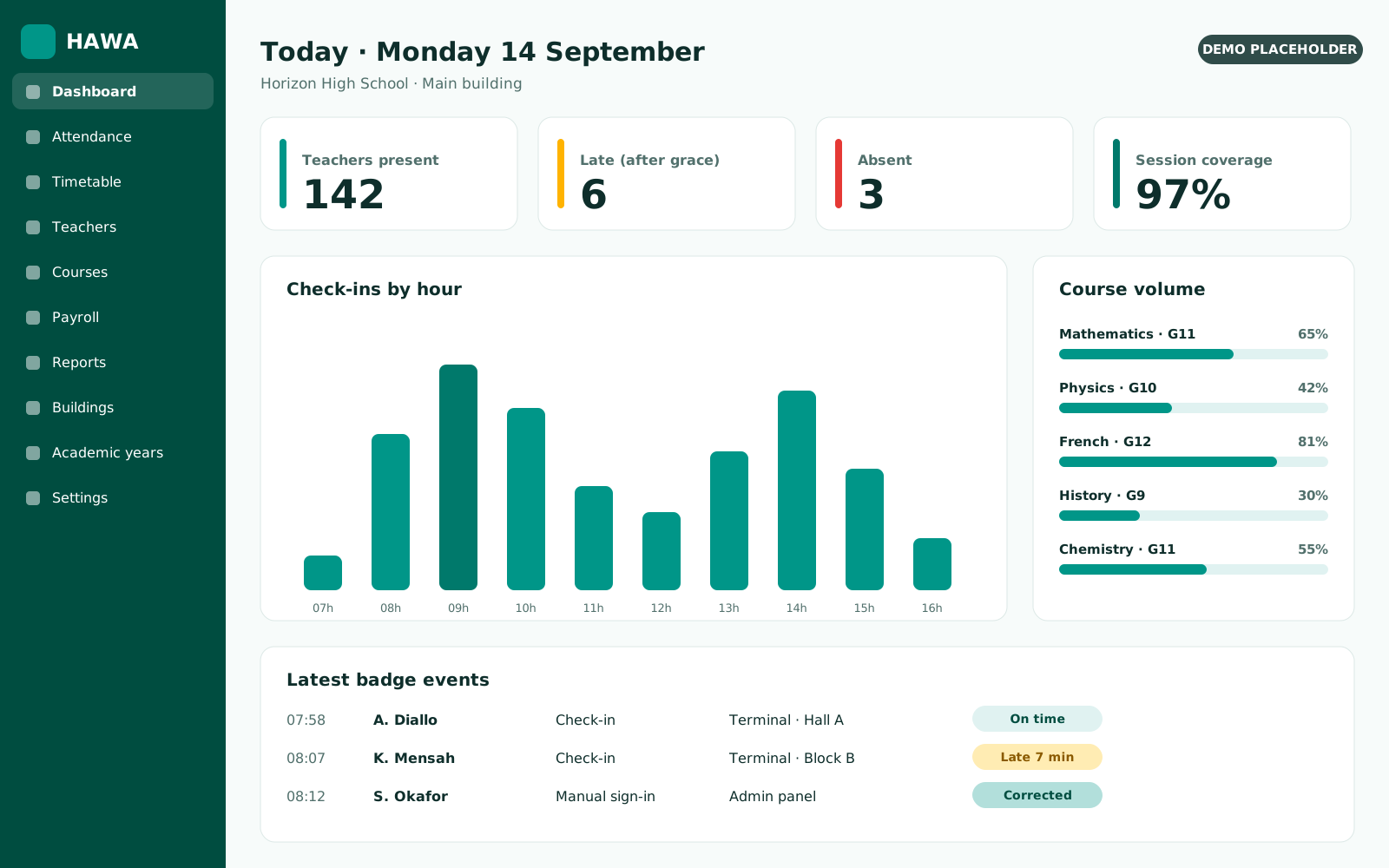
Administrative, library, accounting, reception and support staff badge on the same terminals. Track arrivals, departures and hours, with the same grace periods and reports as teachers.
- Same wall terminals, no extra hardware
- Arrival, departure and daily hours per person
- Attendance and punctuality reports by role or department
-
Student attendance, class by class
Record which students attended each session, by fingerprint, card or class list. HAWA links every check-in to the scheduled class, room and teacher, and computes an attendance rate per student and per class.
- Present, late and absent per session
- Attendance rate per student and per class
- Printable class registers and parent-ready summaries
-
Absence alerts to families
When a student is marked absent, parents can be notified the same day by the channels you choose.
Notifications
Teachers and students are reminded of their classes, and told straight away when something changes.
2 features
-
Teacher class reminders
Teachers are notified about their scheduled classes, so nobody walks into the wrong room at the wrong time.
-
Student schedule notifications
Students receive notifications about their scheduled classes and any change to them.
School administration and reports
Buildings, classrooms, school structure, users, HR history and every report the office needs, all in one admin panel.
4 features
-
Reports for every question
Print reports on badge events, late arrivals, early departures, coverage and hours, by teacher, class, course or period.
- Every badge event, filterable
- Late arrival and early departure reports
- Printable and exportable
-
HR tracking
Keep track of who was recruited, when, and by whom, alongside each teacher’s courses and history.
-
Users and permissions
Manage admin panel and app users, and decide who can schedule, edit badges or run payroll.
-
Bilingual everywhere
The admin panel and the terminal app both run in English and French.
See HAWA running on your own timetable
In a 30-minute call we load a sample of your classes and show coverage, reports and payslips live.