How to choose a biometric attendance terminal for a school
The right terminal depends on your entrances, your power supply and how many teachers badge at the same time. Here is what to check, step by step.
GIVEITAWAY Published 1 min read
A biometric terminal is only useful if every teacher can badge in a few seconds, every day, whatever the weather or the state of the power grid. Before comparing prices, list your constraints.
1. Choose the authentication method
- Fingerprint: reliable and inexpensive; nobody can badge for a colleague. Plan a second finger per person as a backup.
- NFC or RFID card: very fast, useful for staff whose fingerprints read poorly, but a card can be lent. Best combined with another method.
- Face recognition: contactless and fast at busy entrances. Choose models with infrared "live detection" so photos and videos are refused.
2. Check power and network
In many schools, power cuts and unstable internet are the daily reality. Prefer terminals with a backup battery or Power over Ethernet, and that keep badges in memory when the network is down, then send them when it comes back. 4G models help in buildings without cabling.
3. Size the capacity
Count teachers, administrative staff and, if needed, students. Check the number of fingerprints, faces and cards each model stores, and plan one terminal per main entrance so queues stay short in the morning.
4. Think about installation
Covered location, protected from rain and direct sun, at a comfortable height, near a power outlet and the network. An outdoor entrance needs a model with a protection rating adapted to dust and water.
5. Look beyond the device
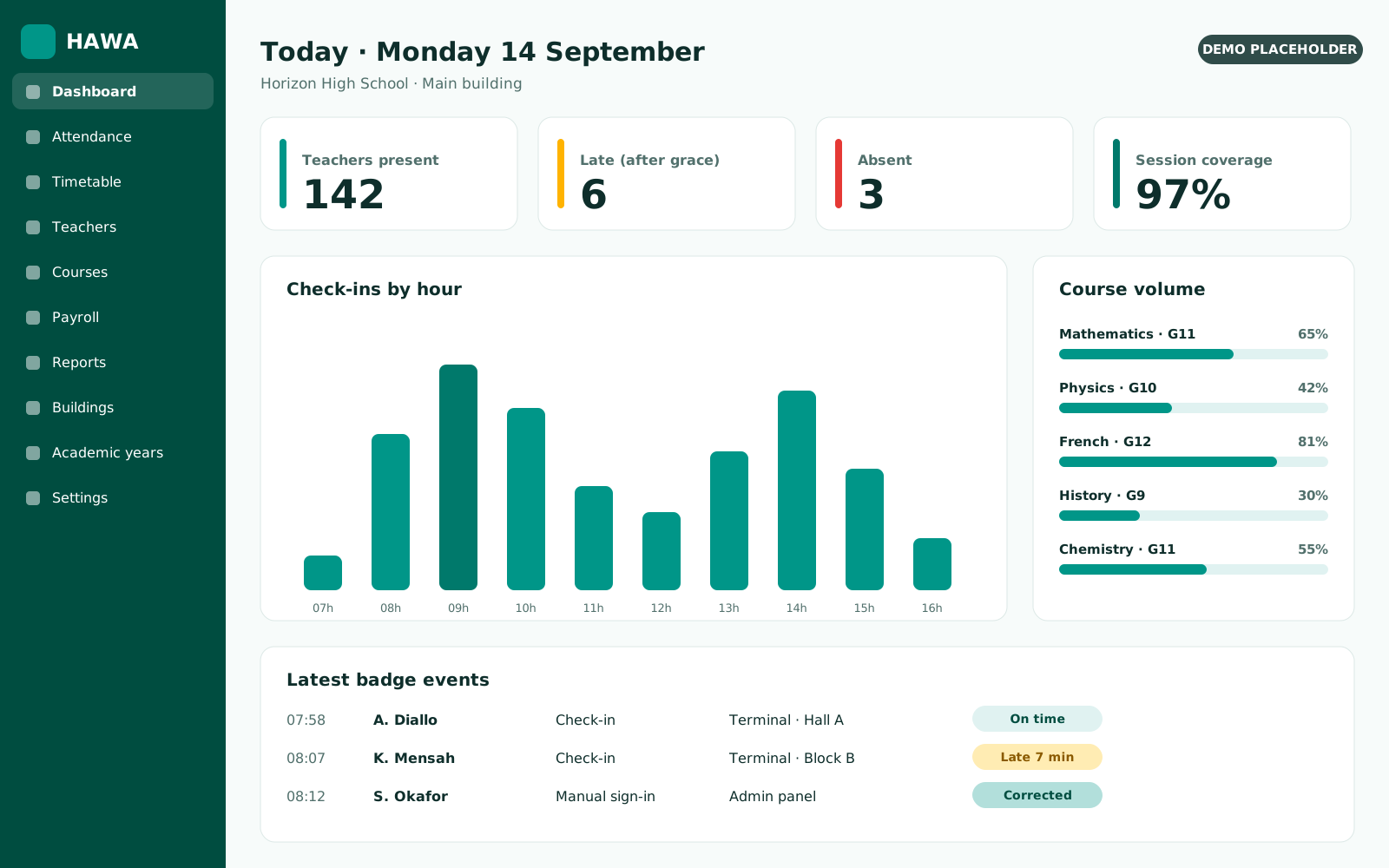
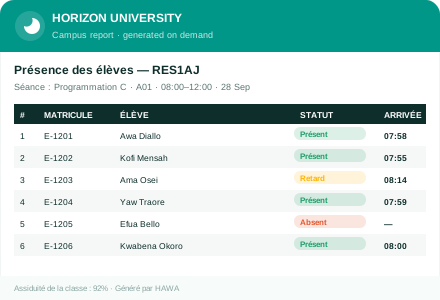
A terminal is only the first step: the value comes from the software that turns badges into attendance reports, course coverage and payslips. Ask for a demonstration with your own timetable before deciding.